





Address
Sana'a - 50th Street - next to Sama Mall
About the app
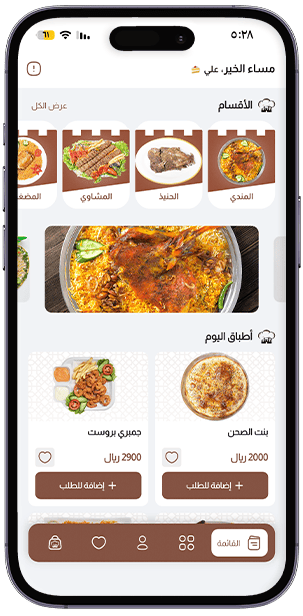
Enjoy an exceptional food-ordering experience where high quality and fast service bring your favorite meals to you fresh and hot.
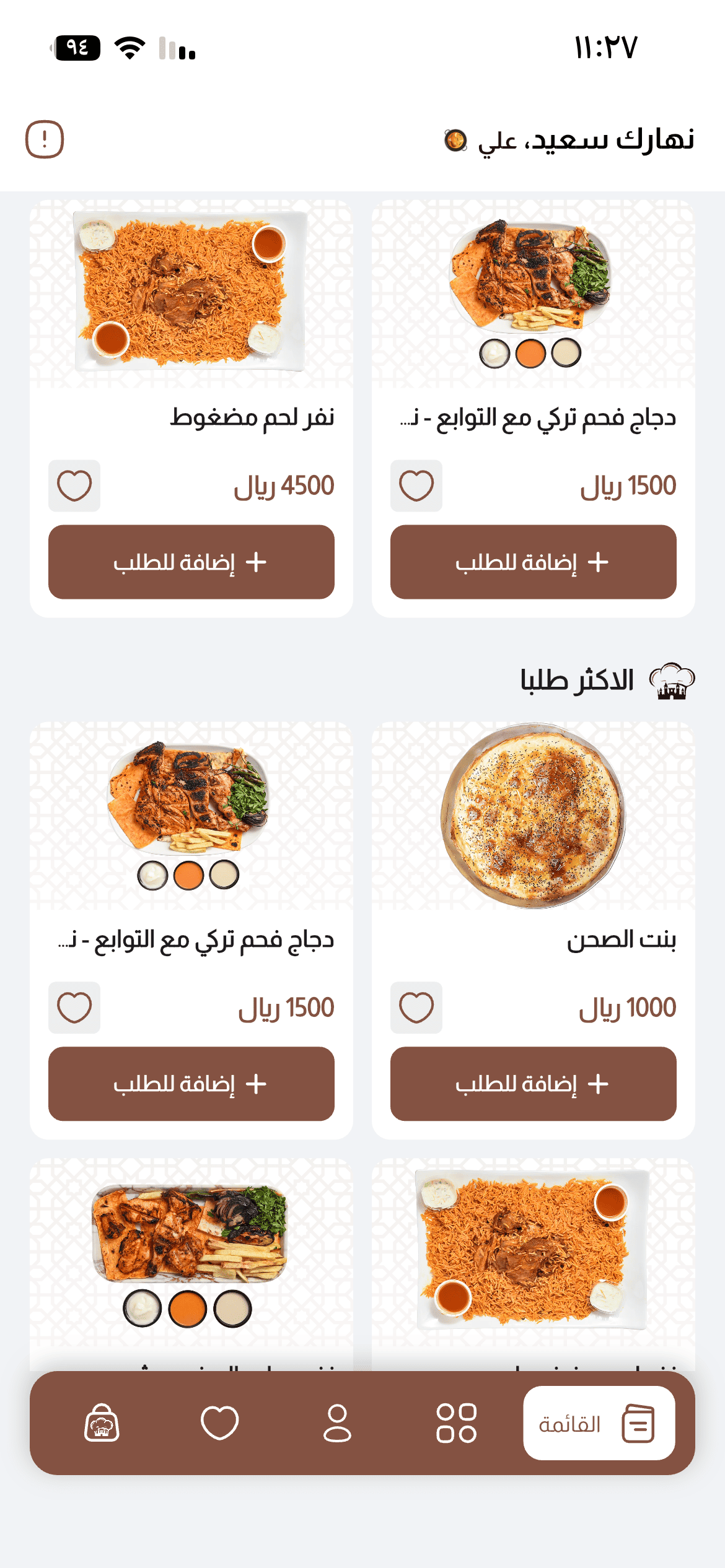
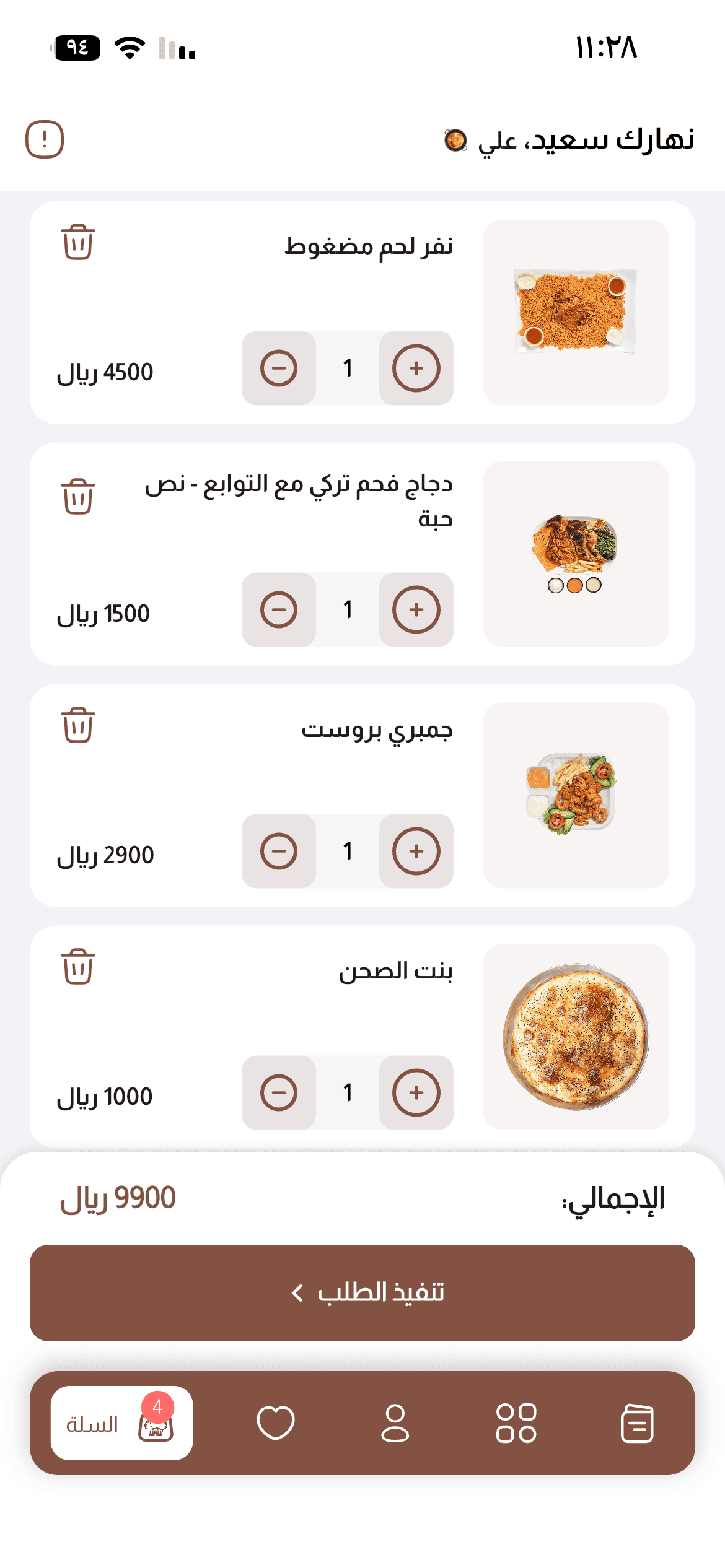
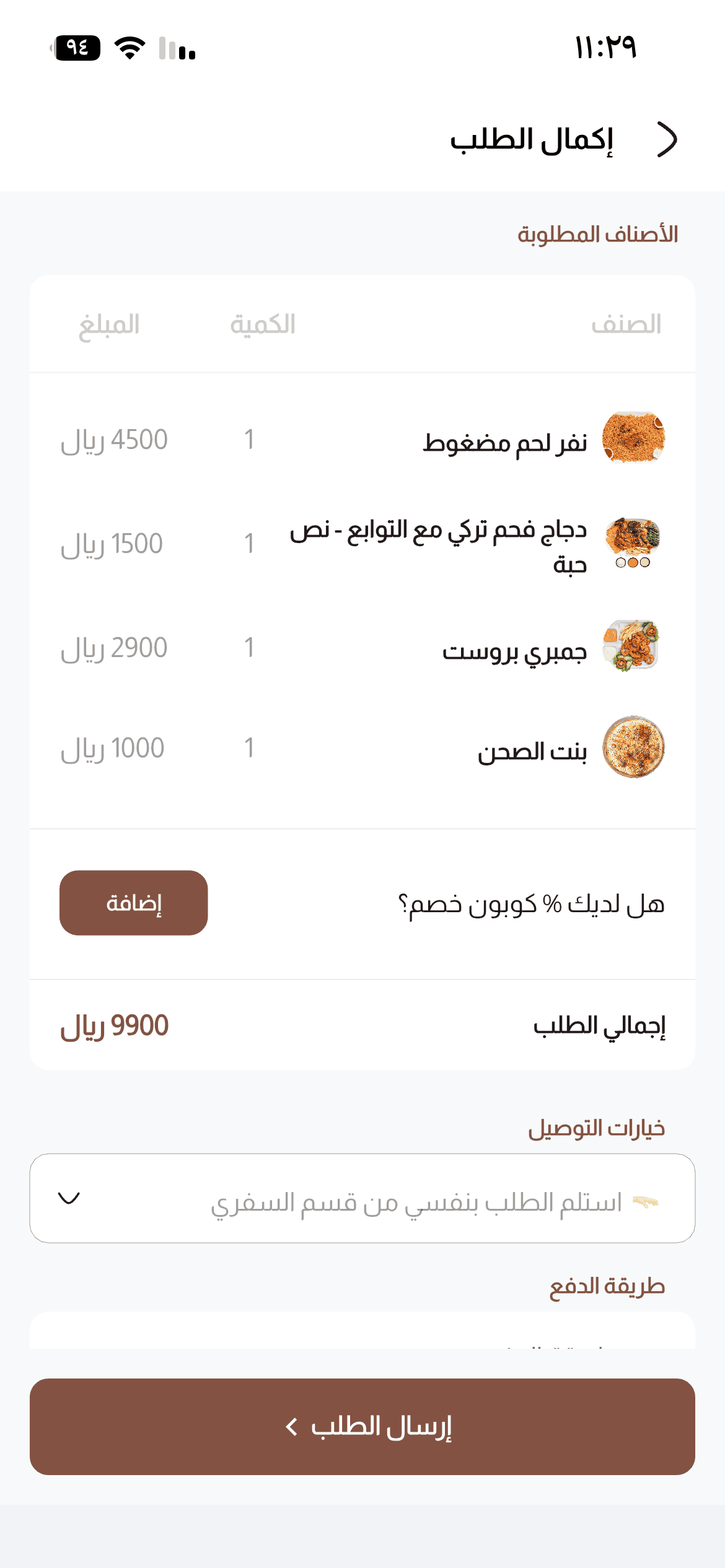
For easier checkout



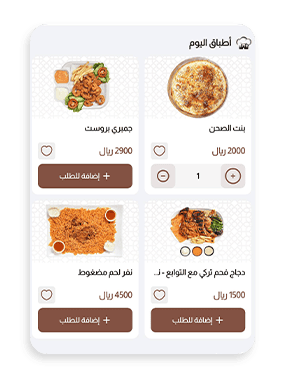
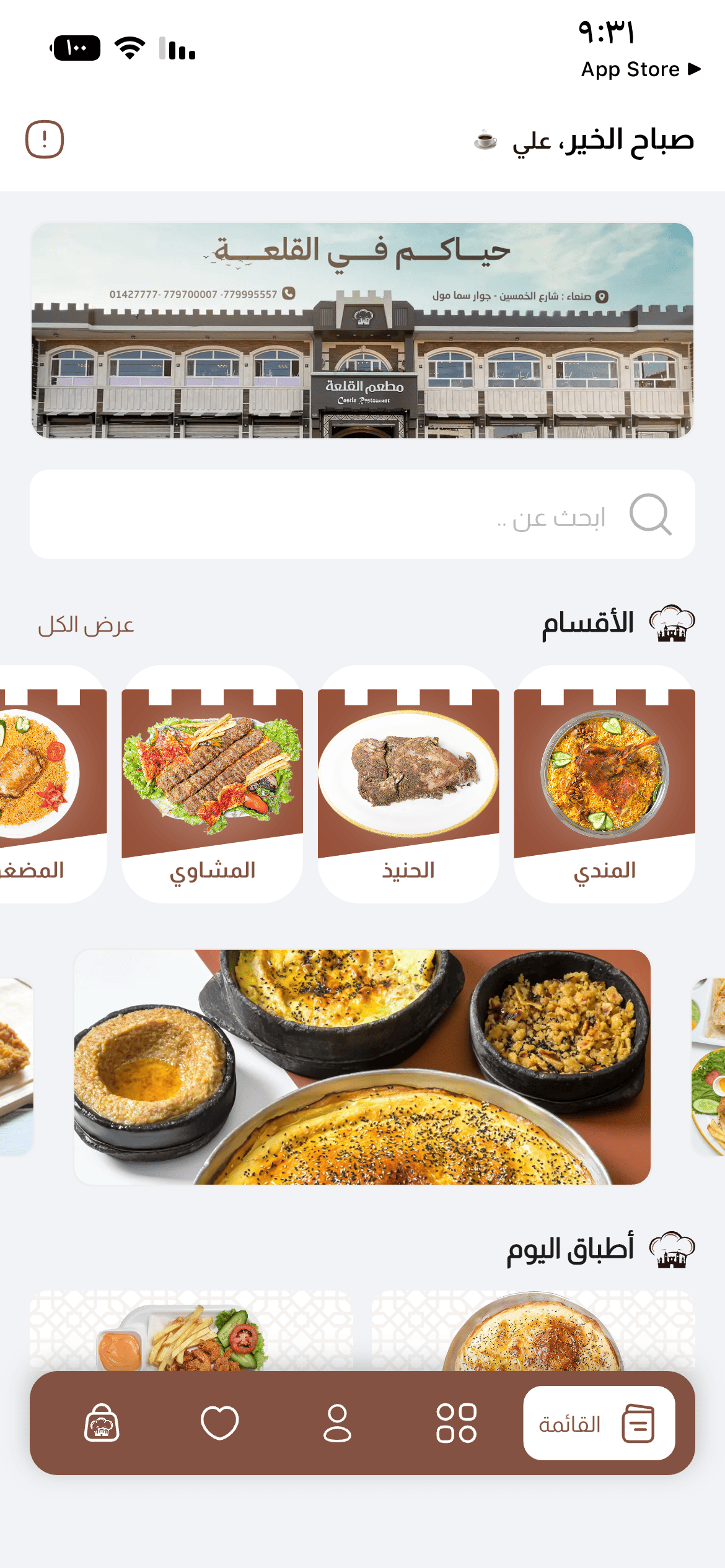
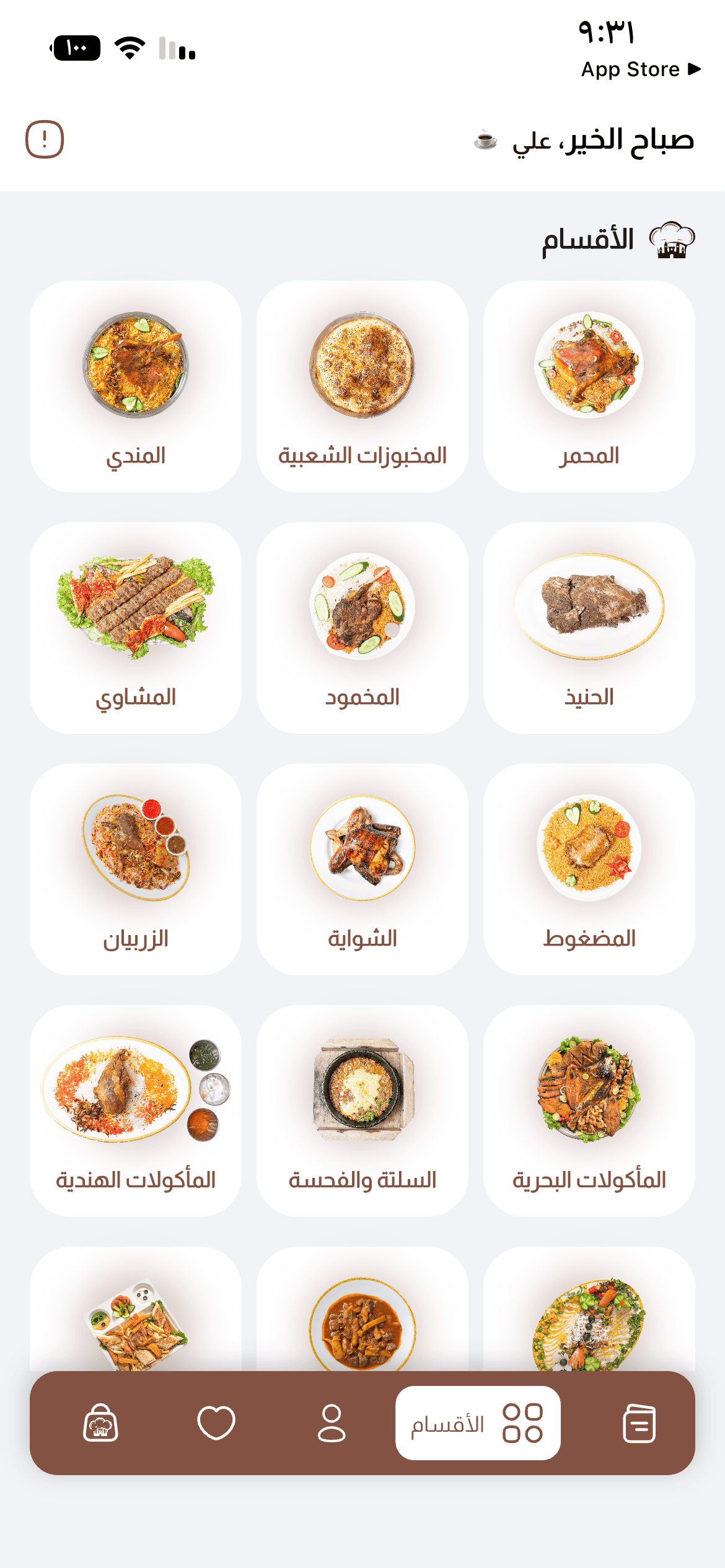
The Castle Restaurant app is more than a way to order—it is your gateway to authentic flavors and distinguished service. Its smooth interface puts your favorite meals within easy reach. From browsing our varied menu to following your order, your comfort and satisfaction come first. Join the many guests enjoying our digital service today.
Your flavor journey starts here. Follow these steps for an effortless ordering experience.
Download the application from your device app store.
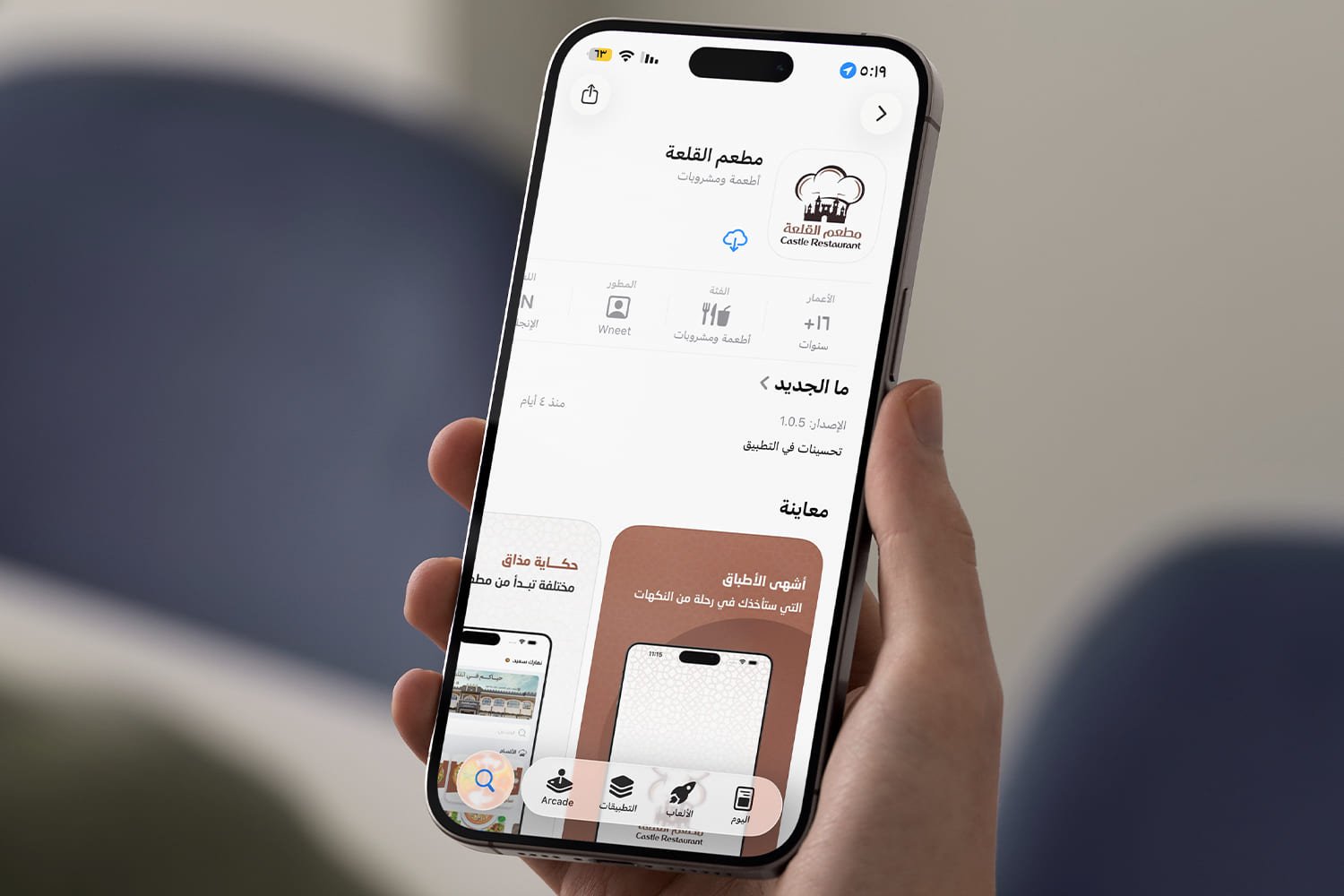
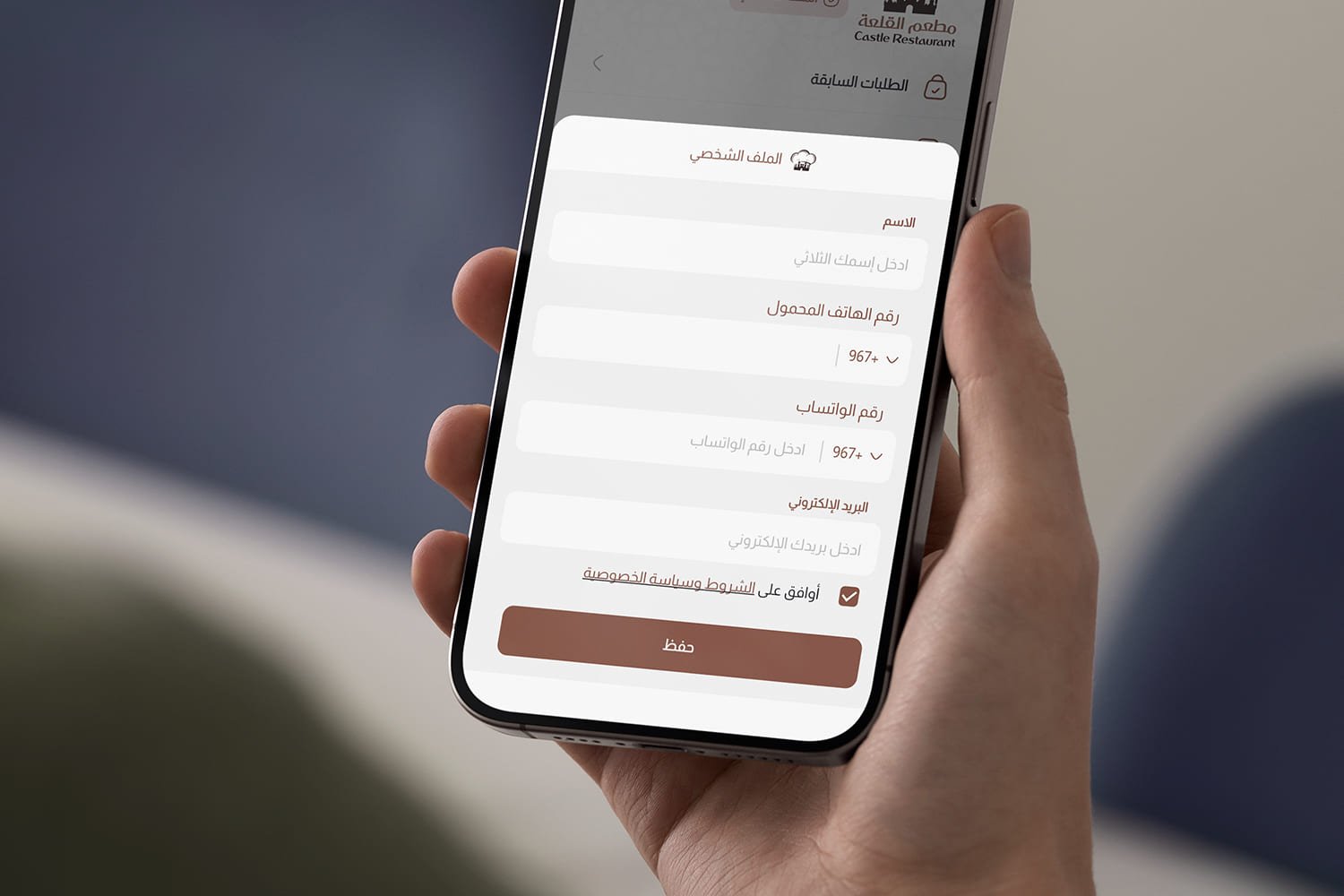
Create an account to access exclusive offers and ongoing benefits.
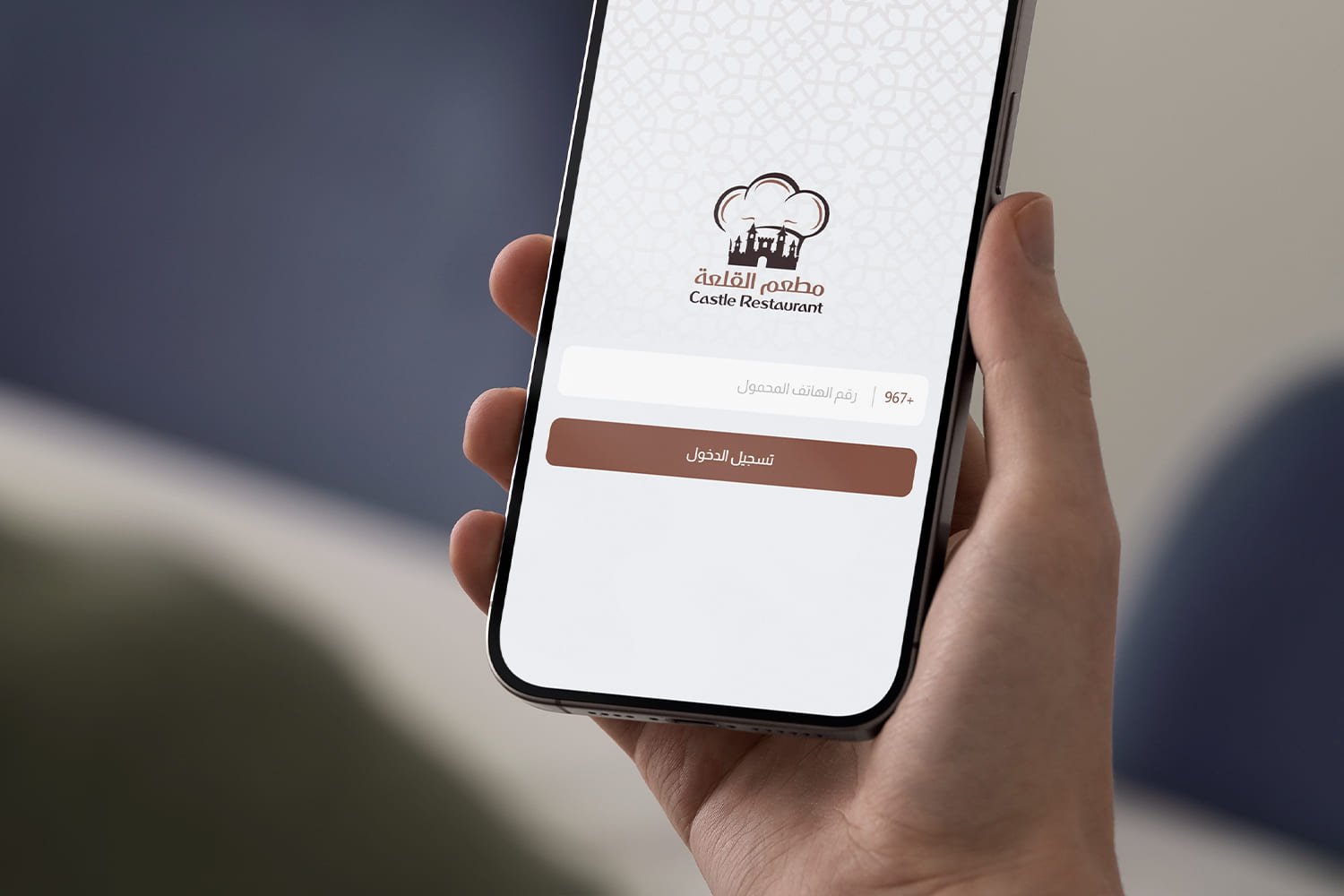
Sign in using your mobile number and password.
Use the map to select a nearby branch or set your delivery location.
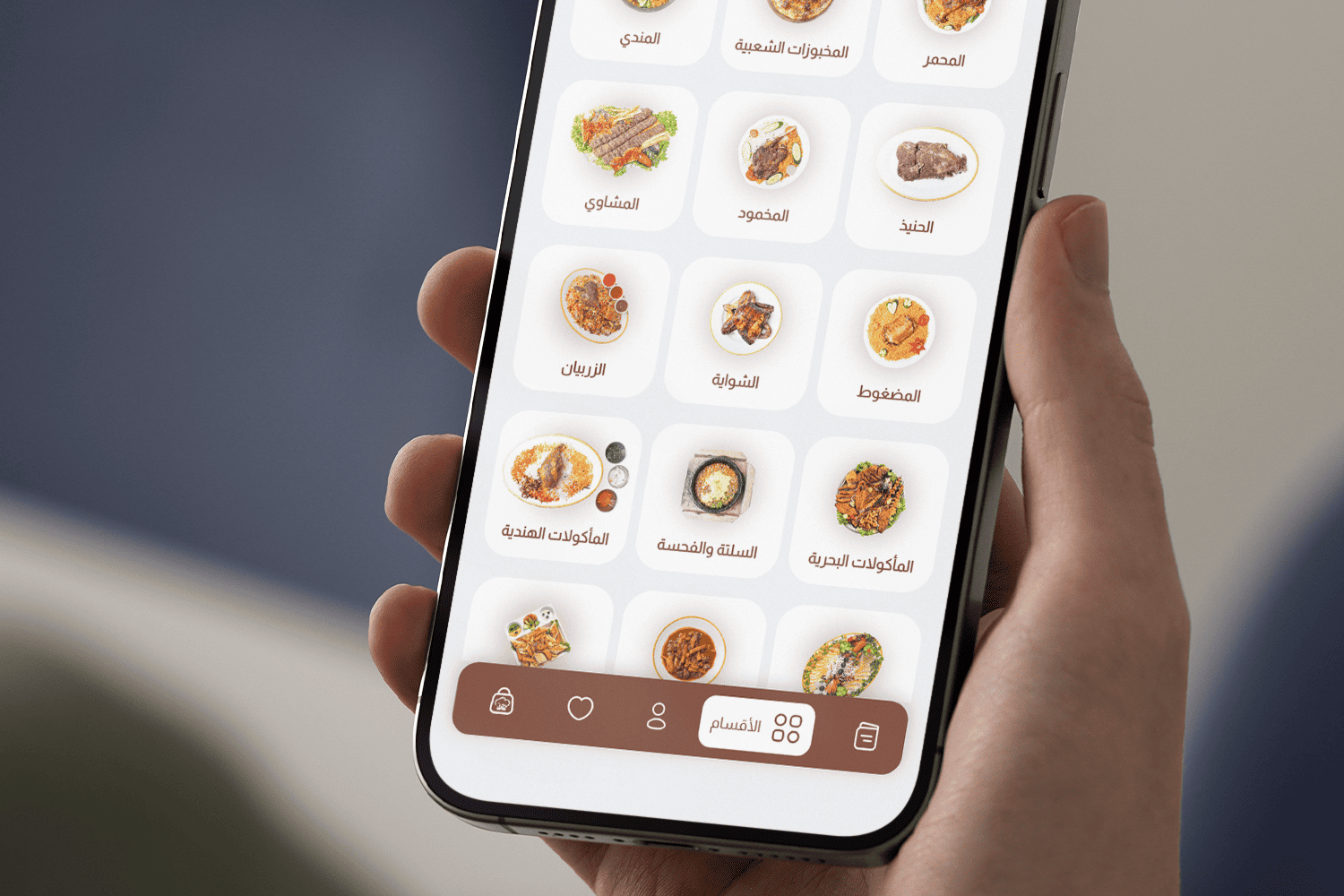
Browse our rich menu and pick the flavors you love.
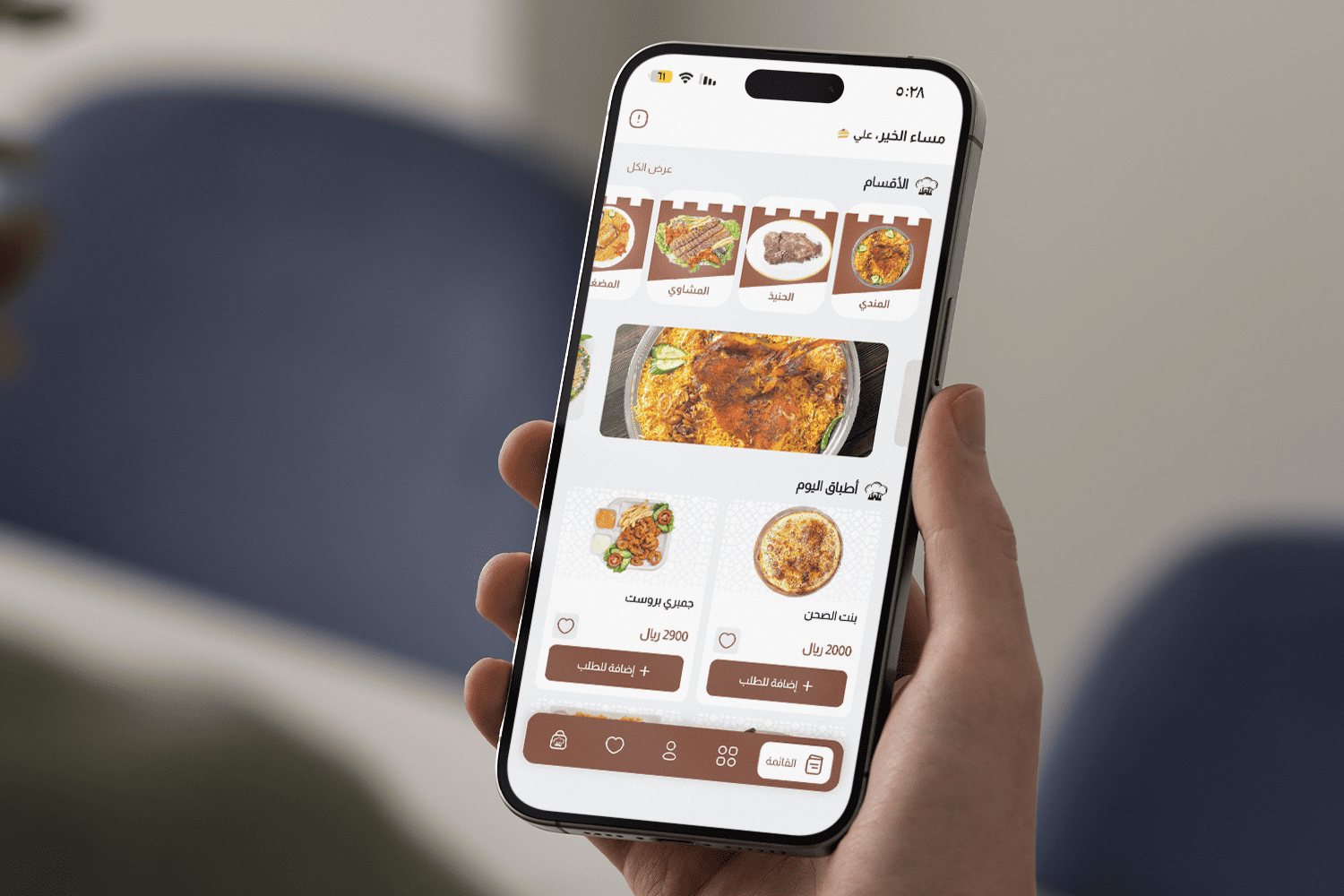
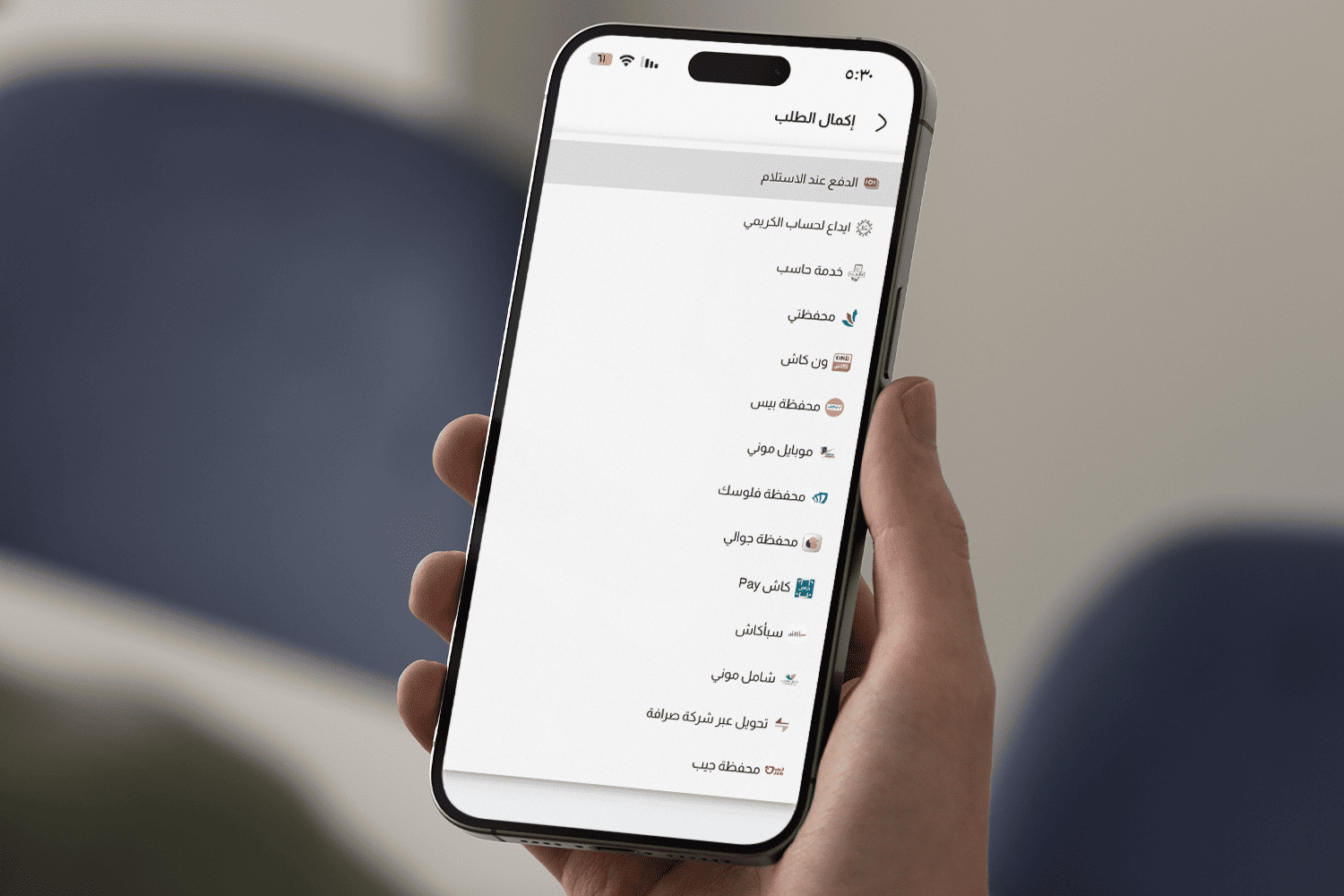
Select payment, add any order notes and confirm your order.
We believe that user experience should be seamless and enjoyable. Our interface is designed to provide maximum comfort and ease of use with a modern attractive design.
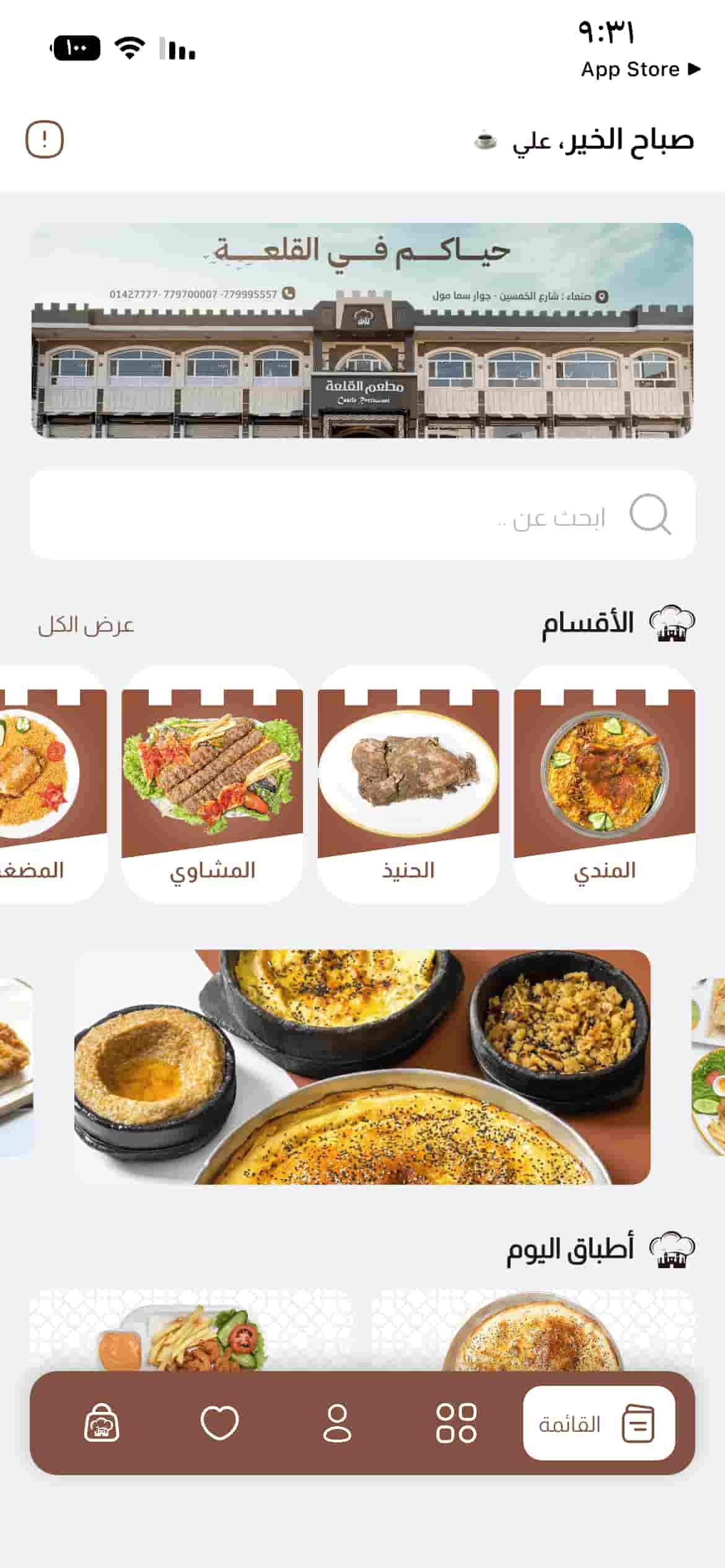
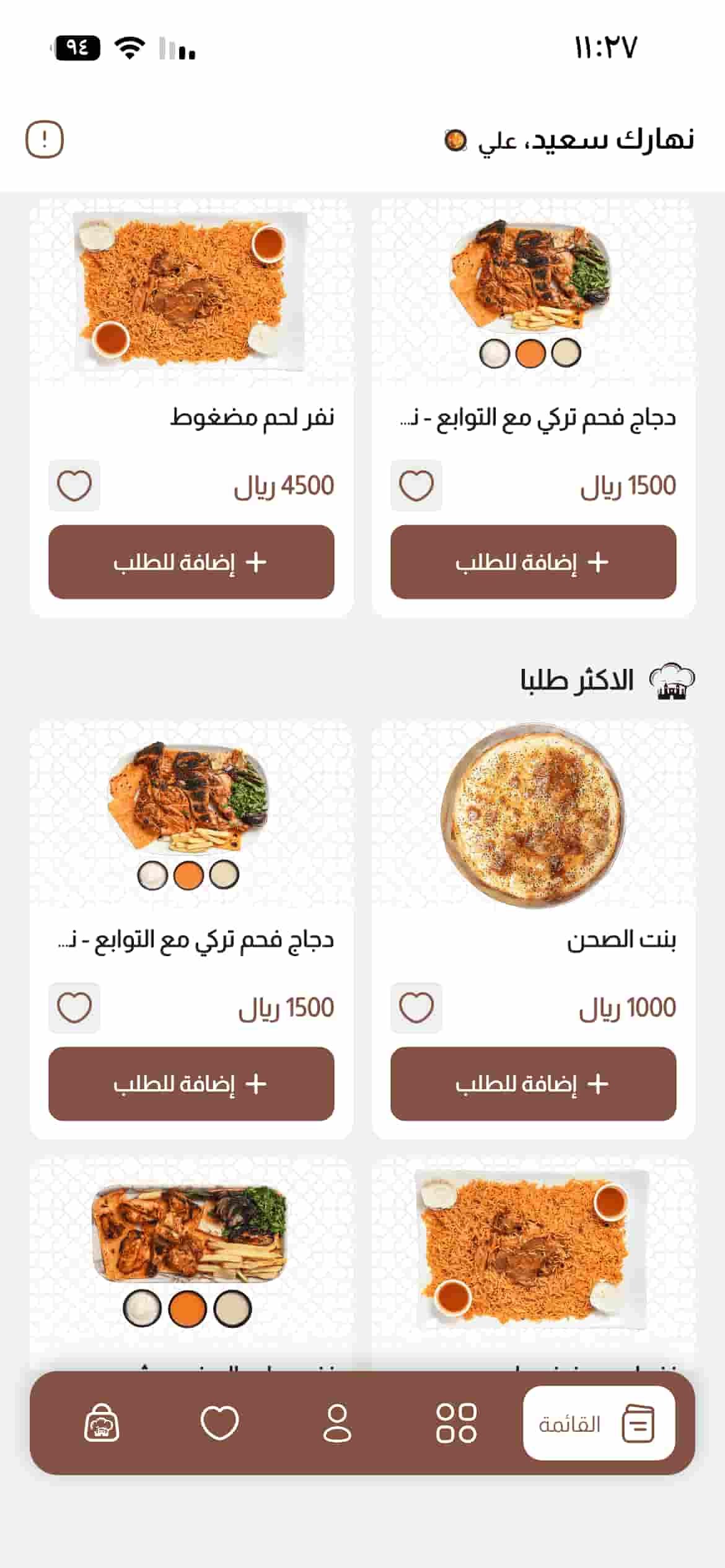
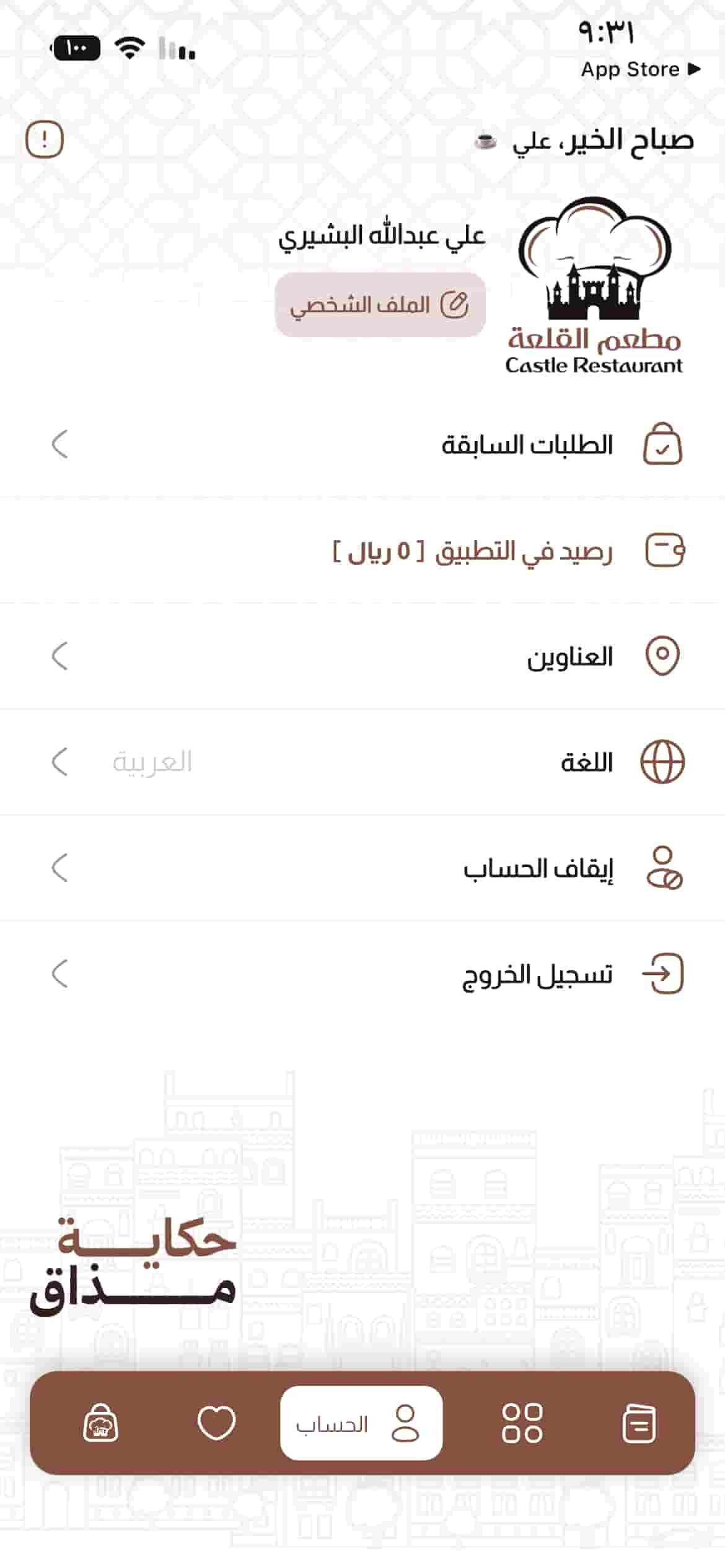
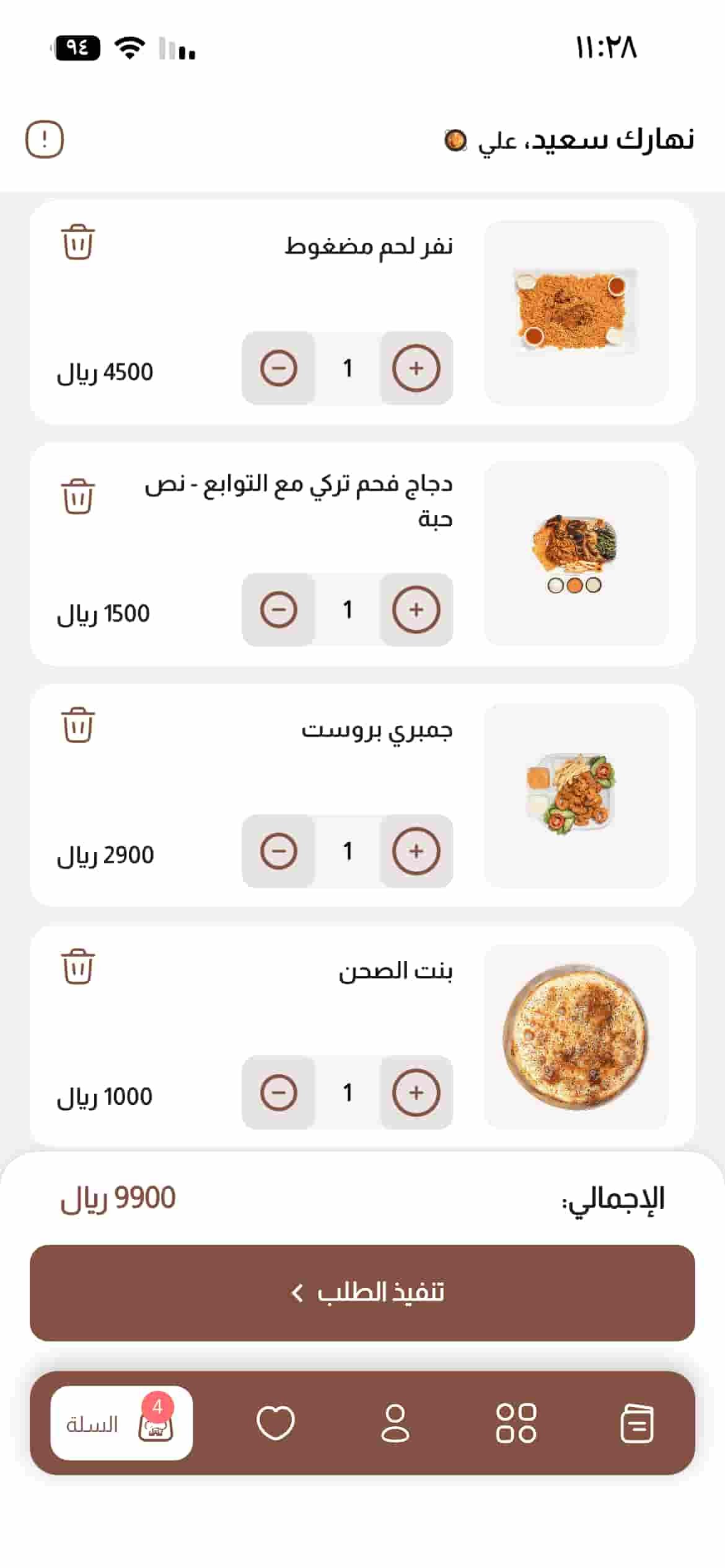
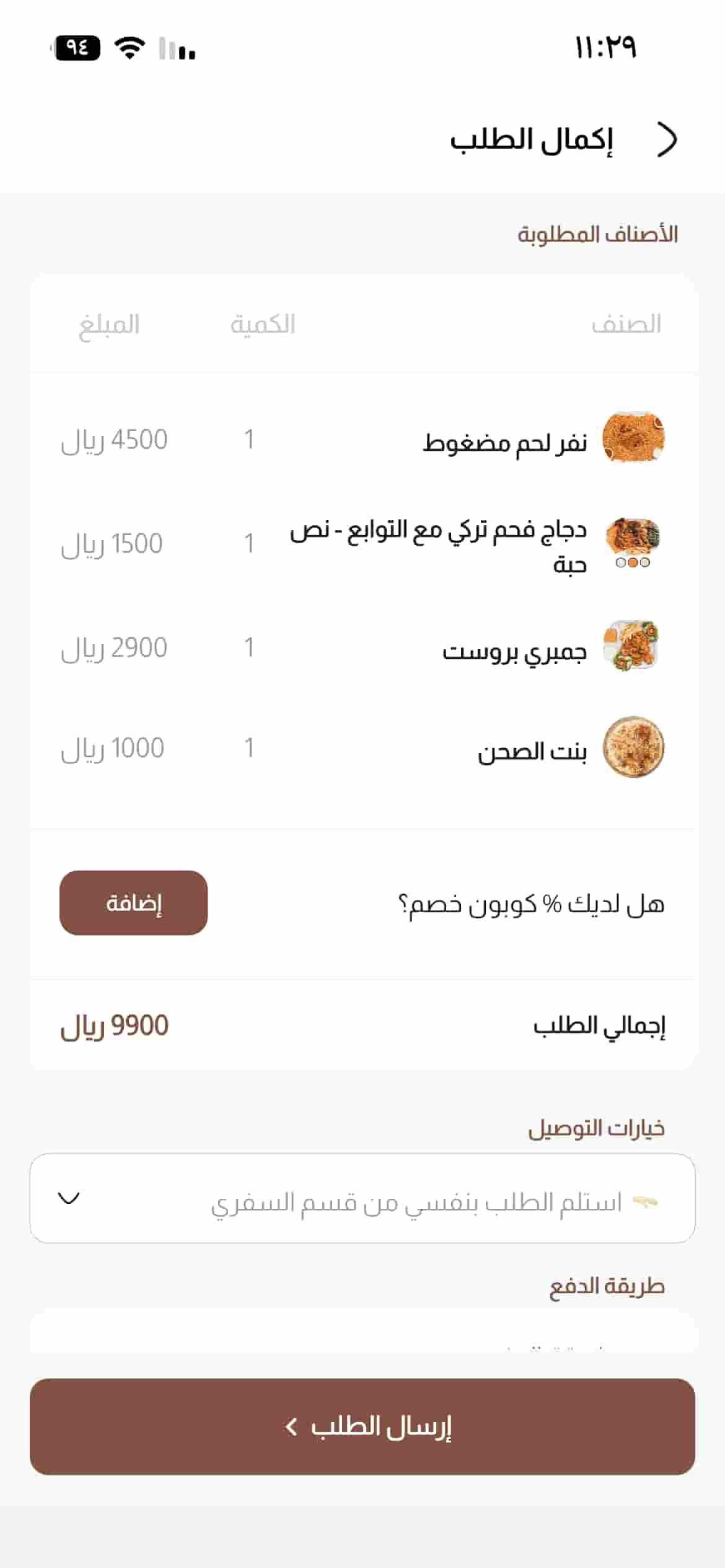
Enjoy the easiest way to order fresh grills, premium fast food, and authentic traditional Yemeni dishes delivered straight to your door with hot-speed delivery and exclusive deals.
We gathered the most common questions about our app and service for your convenience.
Open the app, choose Branches, select the nearest branch, add your meals and complete checkout.
Contact us through the email address or contact details available on our website. Our team is ready to help.
Set your location accurately on the app map, choose your meals and complete checkout.
Sign in, open Account Settings, choose Change Password and enter your new password.
Download the app, choose Create Account, enter the requested information and complete verification.
Choose from the payment methods available in the application during checkout.
Sana'a - 50th Street - next to Sama Mall
783333911 - 06508419
783333911 - 06508419